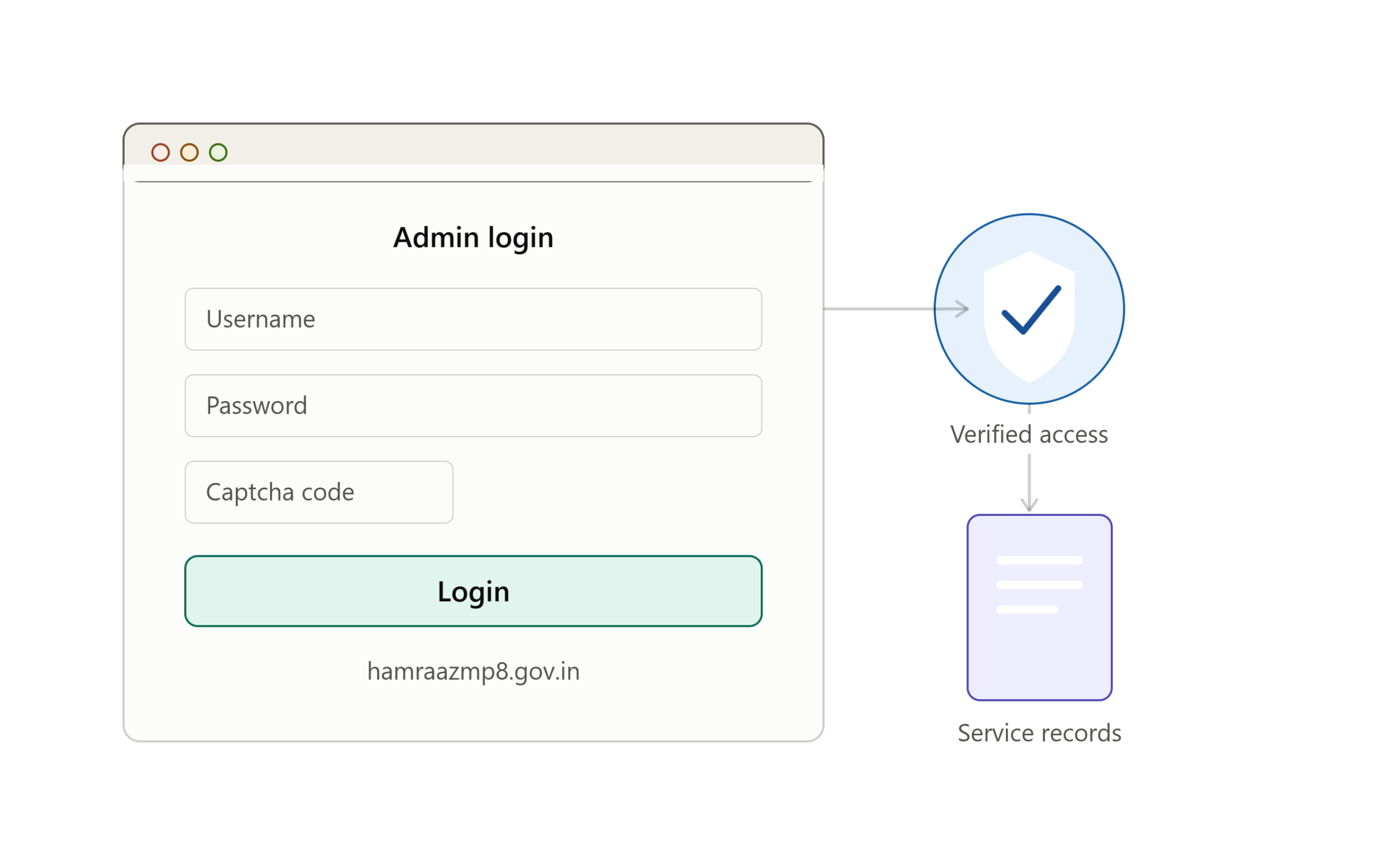
The Hamraaz Admin Login is a specialized access point on the official Hamraaz Web Portal, built by the Adjutant General’s Branch (MP-8) of the Indian Army. While most soldiers interact with Hamraaz through the “Personal Login” option to check payslips, Form-16, and service records, the Admin Login is reserved for authorized administrative staff — such as Record Office personnel and unit-level administrators — who manage records, verify data, and process requests on behalf of soldiers across the system.
This guide covers everything about the Hamraaz Admin Login: what it is, who can use it, the step-by-step login process, features available after logging in, password recovery, common issues, and security best practices — all organized into clear tables for quick reference.
Table of Contents
What Is the Hamraaz Web Portal?
The Hamraaz Web Portal is an internet-based information and communication system developed to digitize administrative processes within the Indian Army. It replaced a large share of paper-based correspondence between soldiers, Record Offices, and Army units, allowing service-related data to be updated, verified, and accessed digitally.
The portal is officially accessed at hamraazmp8.gov.in (also referenced as web.hamraazmp8.gov.in in some resources). It offers multiple login types depending on the user’s role in the system.
Types of Logins on Hamraaz
| Login Type | Intended User | Primary Purpose |
|---|---|---|
| Personal Login | Individual soldiers | View/download payslips, Form-16, service records |
| Admin Login | Record Office & unit administrators | Manage soldier records, verify data, process administrative actions |
| RO Login | Record Office staff | Handle record-office-specific data and approvals |
| Unit Login | Army units | Carry out authorized unit-level administrative tasks |
What Is Hamraaz Admin Login?
The Hamraaz Admin Login is the gateway through which authorized administrative personnel — rather than individual soldiers — access the back-end management functions of the portal. Where a soldier’s personal login shows only that soldier’s own data, an admin login typically provides a dashboard for managing records belonging to multiple personnel under that admin’s jurisdiction (such as a unit or Record Office).
This access level exists to support the functions that keep the whole system accurate and current: updating service records, verifying submitted documents, processing leave or fund-withdrawal requests, and resolving grievances raised by soldiers through their personal accounts.
Why a Separate Admin Login Exists
| Reason | Explanation |
|---|---|
| Data integrity | Keeps sensitive record-editing separate from personal view-only access |
| Role-based access | Ensures only authorized staff can modify official service data |
| Accountability | Admin actions can be tracked and tied to specific authorized users |
| Efficiency | Allows Record Offices to manage many soldiers’ records from one dashboard |
| Security | Reduces risk of unauthorized changes to sensitive military personnel data |
Who Can Use the Hamraaz Admin Login?
Admin-level credentials are not available to the general soldier population. They are issued to specific designated personnel who have administrative responsibilities within a Record Office or unit.
| Eligible User Type | Typical Responsibility |
|---|---|
| Record Office staff | Maintaining and updating soldier service records |
| Unit administrative staff | Managing unit-level data and approvals |
| Adjutant General’s Branch (MP-8) technical/admin team | Overall portal administration and support |
| Designated verifying officers | Verifying documents and requests submitted by soldiers |
If you are a serving soldier trying to check your own payslip or Form-16, you should use the Personal Login option instead — Admin Login will not be applicable or accessible to you.
Step-by-Step: Hamraaz Admin Login Process
Below is the general process for logging into the Hamraaz Admin panel. Since this portal is intended for authorized personnel only, always ensure you are using the official website and that your credentials were issued through proper administrative channels.
Login Steps
| Step | Action |
|---|---|
| 1 | Open a web browser and go to the official website: hamraazmp8.gov.in |
| 2 | On the homepage, locate the main menu or navigation bar |
| 3 | Click on the “Admin Login” option (distinct from “Personal Login”) |
| 4 | Enter your registered admin username |
| 5 | Enter your password |
| 6 | Enter the captcha code shown on screen |
| 7 | Click the “Submit” or “Login” button |
| 8 | On successful authentication, you will be redirected to the admin dashboard |
Information You’ll Need Before Logging In
| Requirement | Details |
|---|---|
| Admin username | Issued by the Record Office / MP-8 during account setup |
| Password | Set during registration or reset via recovery process |
| Captcha code | Displayed dynamically on the login page for verification |
| Active internet connection | Required to access the web-based portal |
| Registered mobile number/email | May be needed for OTP-based verification during login or recovery |
Hamraaz Admin Password Recovery
If an administrator forgets their password, the portal provides a recovery mechanism similar to the personal login’s “Forgot Password” feature.
Password Recovery Steps
| Step | Action |
|---|---|
| 1 | Go to the Admin Login page on hamraazmp8.gov.in |
| 2 | Click on the “Forgot Password” link below the login form |
| 3 | Enter your registered admin username or ID as prompted |
| 4 | Complete the verification step (this may involve OTP or security questions) |
| 5 | Set a new password following the portal’s password requirements |
| 6 | Log in again using the new password |
If recovery through the website doesn’t work, the recommended fallback is to contact the Record Office or the Hamraaz support channel directly, since admin accounts often require manual verification for security reasons.
Features Available After Admin Login
Once logged in, administrators typically get access to a management dashboard rather than a single soldier’s personal view. While specific features can vary depending on the admin’s designated role (Record Office vs. unit-level), common capabilities include the following.
Core Admin Dashboard Features
| Feature | Description |
|---|---|
| Record Management | View, update, and maintain service records of personnel under jurisdiction |
| Document Verification | Verify documents submitted by soldiers (PAN, service details, etc.) |
| Leave & Encashment Processing | Review and process leave applications and leave encashment requests |
| Grievance Handling | View and respond to grievances raised by soldiers through their personal accounts |
| Payslip & Form-16 Oversight | Support generation and troubleshooting of payslips and tax documents |
| Fund Withdrawal Status | Monitor and update status on fund withdrawal requests |
| Part II Order Details | Manage and update Part II order-related administrative entries |
| User Account Support | Assist with personal login issues faced by soldiers under their unit/office |
Hamraaz Personal Login vs. Admin Login: Key Differences
Since many users search for both, it helps to understand exactly how these two login types differ.
Comparison Table
| Aspect | Personal Login | Admin Login |
|---|---|---|
| Intended User | Individual soldier | Authorized administrator/Record Office staff |
| Access Scope | Own records only | Multiple soldiers’ records (unit/office level) |
| Primary Use | View/download payslip, Form-16, service details | Manage, verify, and process records for others |
| Credential Type | PAN-based username + password | Admin-issued username + password |
| Editing Rights | View-only (mostly) | Can update/process records |
| Registration | Self-registration using PAN and service details | Issued through official administrative channels |
Security Considerations for Hamraaz Admin Login
Because admin access involves handling sensitive personnel and financial data for many soldiers at once, security practices matter significantly more here than for an individual personal login.
Recommended Security Practices
| Practice | Why It Matters |
|---|---|
| Always use the official domain (hamraazmp8.gov.in) | Avoids phishing sites designed to steal admin credentials |
| Never share your admin username/password | Prevents unauthorized access to multiple soldiers’ data |
| Log out after every session | Reduces risk if the device is shared or left unattended |
| Avoid public/shared computers for admin access | Minimizes exposure to keyloggers or session hijacking |
| Use strong, unique passwords | Reduces risk of brute-force or credential-stuffing attacks |
| Report suspicious activity immediately | Helps contain any potential breach quickly |
| Do not use the discontinued mobile app | The Hamraaz app was discontinued on 31 March 2023; only the web portal should be used |
Common Issues Faced During Hamraaz Admin Login
Administrators occasionally run into technical or access issues. Below is a table of frequently reported problems and general troubleshooting directions.
Troubleshooting Table
| Issue | Possible Cause | Suggested Action |
|---|---|---|
| Login page not loading | Server downtime or internet issue | Check internet connection; try again later |
| Invalid username/password error | Incorrect credentials or expired password | Double-check details; use Forgot Password if needed |
| Captcha not displaying | Browser rendering issue | Refresh the page or try a different browser |
| Account locked after multiple attempts | Security lockout policy | Wait for the cooldown period or contact support |
| OTP not received | Registered mobile number outdated | Contact Record Office to update mobile number |
| Dashboard not loading after login | Session or server issue | Clear browser cache and log in again |
| Access denied despite correct login | Account not authorized for admin-level access | Confirm admin role assignment with Record Office/MP-8 |
Why Hamraaz Admin Login Matters for the Indian Army’s Digital System
The Hamraaz Admin Login isn’t just a technical formality — it’s a key part of how the Indian Army manages the shift from manual, paper-based service administration to a centralized digital system. Every soldier’s payslip, Form-16, leave record, and service history ultimately depends on accurate data being entered, verified, and maintained by administrators through this very login system.
Broader Benefits of the Admin System
| Benefit | Impact |
|---|---|
| Reduced paperwork | Less reliance on physical files and manual record-keeping |
| Faster processing | Leave, encashment, and document requests handled more quickly |
| Improved data accuracy | Centralized digital records reduce duplication and errors |
| Better transparency | Soldiers can track the status of requests processed by admins |
| Scalability | One system supports record management across many units nationwide |
Contact and Support for Hamraaz Admin Login Issues
If admin login issues persist even after trying password recovery and basic troubleshooting, the recommended path is to escalate through official channels rather than third-party websites.
Support Options
| Support Channel | Use Case |
|---|---|
| Nearest Record Office | Account verification, credential issues, role authorization |
| Official Hamraaz webmaster contact | Technical issues with the portal itself |
| Unit administrative chain | Escalation for unresolved access problems |
| Official website notices | Check for scheduled maintenance or known outages |
Frequently Asked Questions
Is Hamraaz Admin Login the same as Personal Login?
No. Personal Login is for individual soldiers to view their own payslips and records. Admin Login is for authorized staff who manage and process records on behalf of multiple personnel.
Can a regular soldier get admin access?
No. Admin credentials are issued specifically to designated administrative staff, such as Record Office personnel, and are not available through the standard self-registration process used for personal accounts.
What should I do if I forget my Hamraaz Admin password?
Use the “Forgot Password” option on the Admin Login page, complete the verification steps, and set a new password. If that doesn’t work, contact your Record Office for manual assistance.
Is the Hamraaz mobile app required for admin access?
No. The Hamraaz mobile app was discontinued on 31 March 2023. All access, including admin functions, should be done through the official web portal at hamraazmp8.gov.in.
Is it safe to enter admin credentials on any Hamraaz-related website?
Only enter credentials on the official domain, hamraazmp8.gov.in. Many unofficial guide websites exist that describe the process but are not the actual login portal — never enter sensitive information on lookalike or third-party sites.
Conclusion
The Hamraaz Admin Login plays a quiet but essential role behind the scenes of the Indian Army’s digital administration system. While soldiers interact with the friendlier “Personal Login” to check their payslips and service details, it’s the admin-level access — used by Record Office and unit staff — that keeps all of that data accurate, verified, and up to date. Understanding how this login works, who it’s meant for, and how to use it securely helps ensure the broader Hamraaz ecosystem continues to function smoothly for the personnel who depend on it every day.
As always, anyone using this system — whether through Personal Login or Admin Login — should stick to the official hamraazmp8.gov.in domain, avoid sharing credentials, and report any suspicious activity immediately to protect sensitive service and financial data.
